Scribbr Citation Generator Review: Is It Accurate? (+5 Alternatives)
Yes - Scribbr is a strong pick for standard citations, but you still need to check the final output. In the article, I found that Scribbr is most reliable for books, journal articles, and websites, with 94% accuracy, but it drops to 78% for sources like multi-author works and archival material.
If you just want the short answer, here it is:
- Use Scribbr for APA, MLA, and Chicago when you want clean formatting and simple exports
- Double-check author names, dates, capitalization, and missing fields after autofill
- Pick ZoteroBib if you want more style options and no sign-up
- Pick MyBib if you want to save projects over time for free
- Pick BibGuru if you want an ad-free tool with simple exports
- Use Cite This For Me or EasyBib only if you can live with ads, limits, or paid locks
The main point is simple: autofill saves time, but it does not replace manual review. If you need help finding the original papers to verify these details, you can find academic sources quickly using AI. That applies to Scribbr and every other tool in this comparison.
Scribbr Citation Generator Review: Accurate & Free Tool for APA, MLA, Chicago, and More
sbb-itb-f7d34da
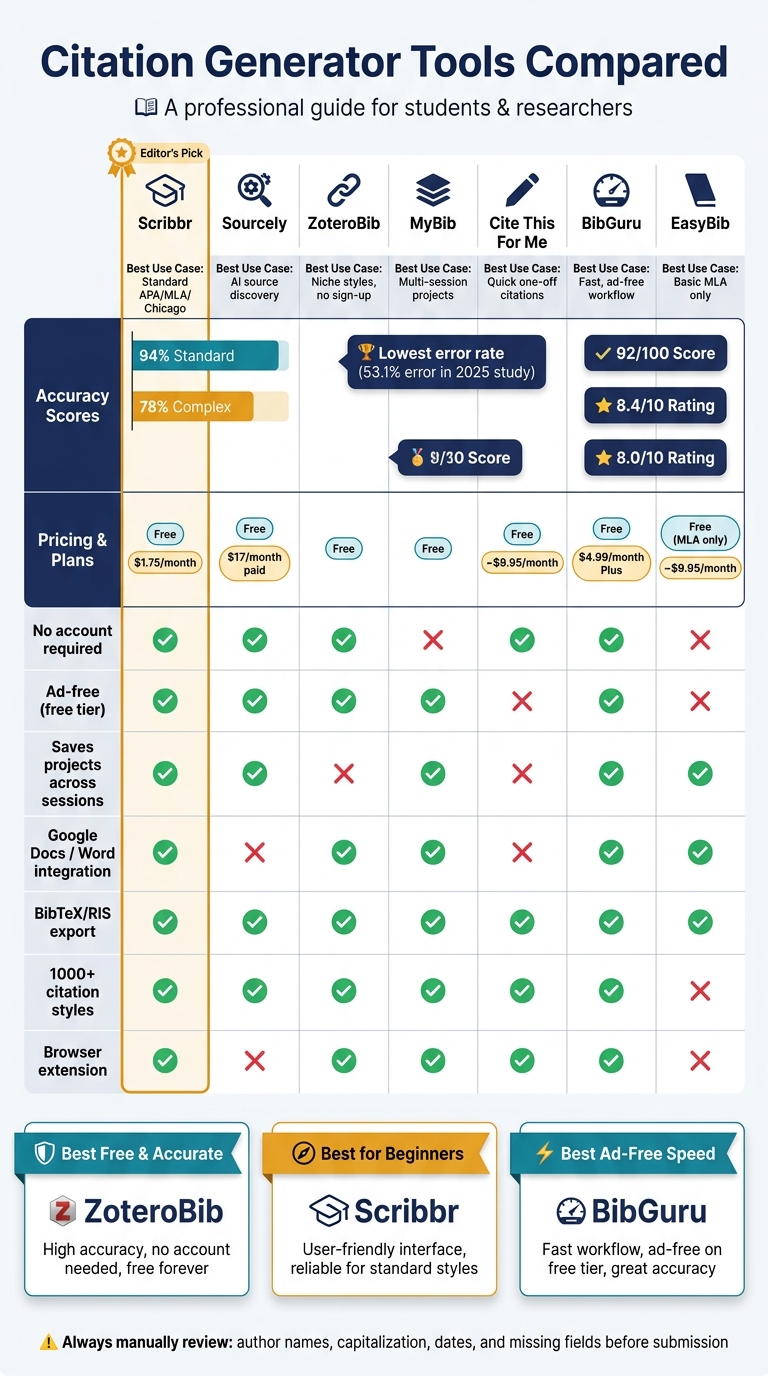
Quick Comparison
Best Citation Generator Tools Compared: Accuracy, Price & Features
| Tool | Best For | Main Limitation | Price |
|---|---|---|---|
| Scribbr | Standard APA, MLA, Chicago citations | No built-in Docs/Word citing workflow | Free |
| Sourcely | Finding relevant sources and turning them into citations | Some source types still need edits | Free; paid plans from $17/month |
| ZoteroBib | One-off bibliographies and many style choices | Session-based storage | Free |
| MyBib | Free project saving across sessions | Metadata cleanup can be uneven | Free |
| Cite This For Me | Basic citation help | Ads, free limits, paid exports | Free / about $9.95/month |
| BibGuru | Fast, ad-free citation building | No Google Docs plugin | Free / $4.99/month for Plus |
| EasyBib | Basic MLA use | Free plan is MLA-only and ad-heavy | Free (MLA only) / about $9.95/month |
So if you’re asking, “Is Scribbr accurate enough to trust?” my answer is: yes for common sources, no for blind copy-and-paste.
1. Scribbr Citation Generator
Scribbr runs on the Citation Style Language (CSL) engine and adds a quality-check layer on top. That extra layer helps catch formatting problems, like uneven capitalization. It also tidies up messy metadata, such as journal titles pulled from databases in ALL CAPS. So when you judge this tool, the big thing to watch is autofill accuracy.
Its Autocite feature lets you search by URL, DOI, ISBN, or title and then fills in the citation fields for you. DOI and ISBN lookups work 91% of the time. That said, it has a harder time with gray literature and web pages, where thin metadata often leads to weaker results.
Scribbr supports APA 7, MLA 9, and Chicago 17, including Notes & Bibliography and Author-Date. In head-to-head testing, it was one of only two tools that correctly formatted an APA 7 preprint from bioRxiv without adding incorrect placeholder brackets for missing page numbers. You can export your bibliography as Word (.docx), Bib(La)TeX, or copy it to the clipboard. That matters most when you're moving references into a paper and don't want to clean up a mess afterward.
Where Scribbr falls short is long-term reference management. It doesn't have a native Word or Google Docs add-in, so you need to insert citations by hand. You can use the basics without an account, but if you want to save reference lists and folders across sessions, you do need one. The Chrome extension makes it easier to grab webpage citations, but you still have to paste them into your document yourself. That's one more spot where citation mistakes can slip in.
Autofill saves time, but it doesn't remove the need to check the result. After autofill, review:
- Author names
- Title capitalization
- Missing details like volume numbers, page ranges, or publisher locations
2. Sourcely
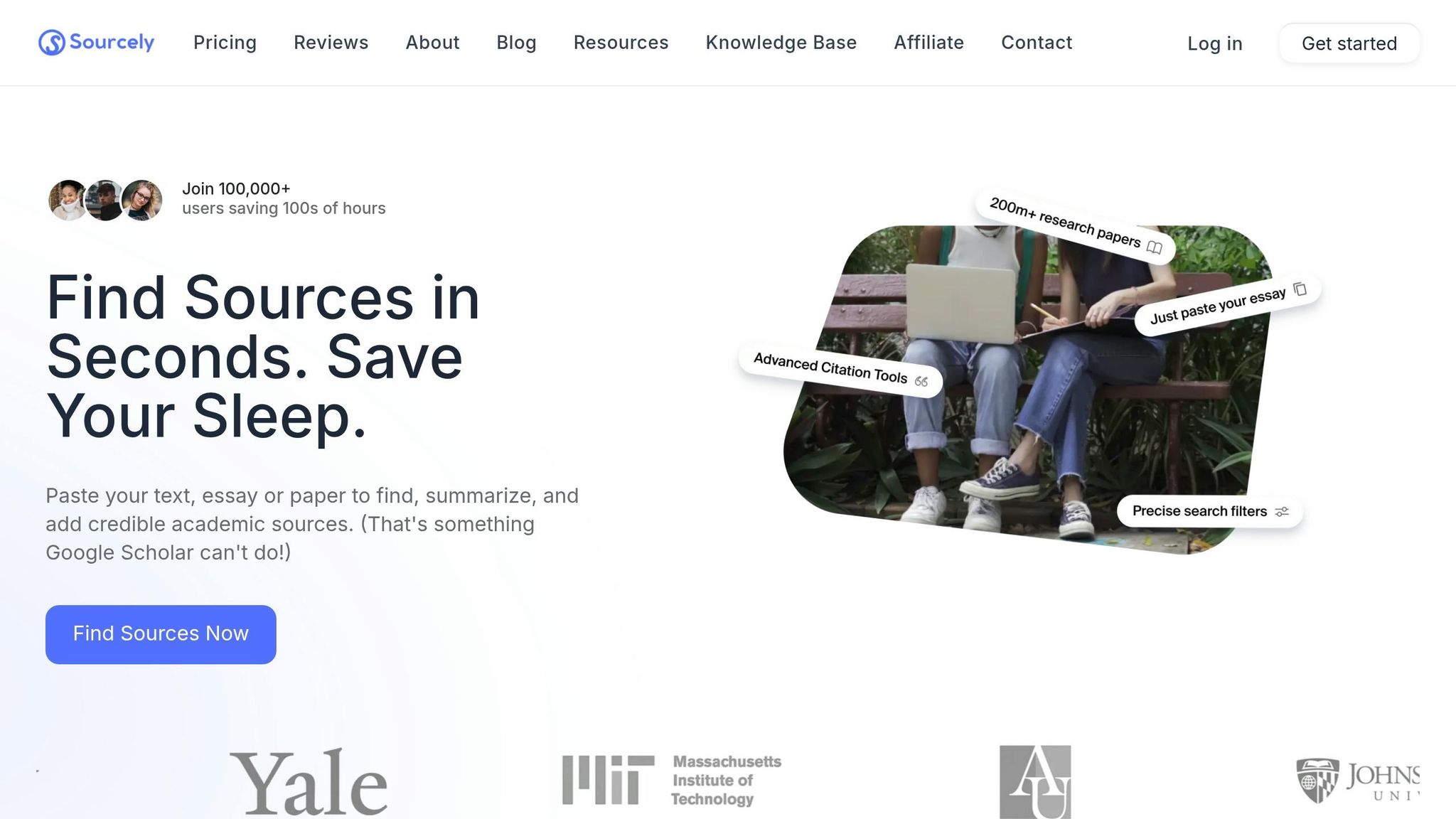
Paste in your topic or rough draft, and Sourcely looks for academic sources and web pages tied to that subject. It then gives you ranked suggestions, along with abstracts and relevance scores. Once you pick the sources you want, it turns them into formatted citations.
That’s where the tool makes sense: it connects source finding with citation building in one place. And that link matters. If the source match is better, you spend less time entering details by hand, which means fewer formatting mistakes.
It supports APA, MLA, Chicago, and Harvard styles, and you can export your full reference list when you're ready.
The weak spot is tougher source types. Government reports, legal documents, and archival materials can still need manual fixes. For mainstream journal articles and books, though, metadata handling is dependable. As of June 2026, Sourcely has a 4.2/5 expert rating from SaaSPic.
Pricing includes a free option, plus paid monthly and annual plans. It tends to make the most sense for literature reviews, where source discovery and citation generation happen in the same workflow.
3. ZoteroBib
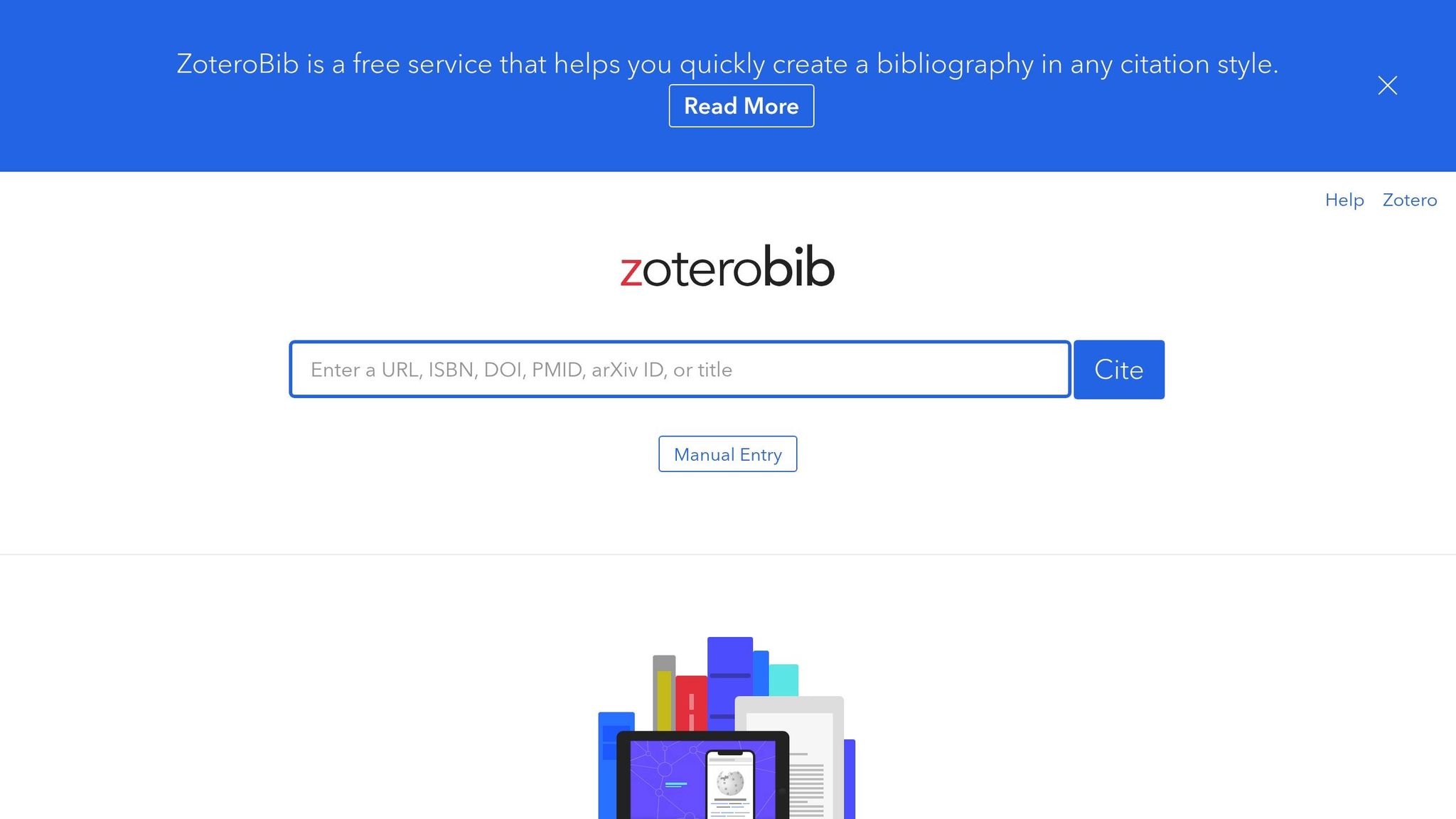
For readers who want a citation tool with no account required and a lot more style options, ZoteroBib is a solid pick. It runs on the Citation Style Language (CSL) engine, and a 2025 study found that it had the lowest error rate at 53.1%. That put it ahead of Mendeley at 62.6% and EndNote at 81.4%.
ZoteroBib also does a good job cleaning up messy metadata during autofill. It supports about 35 source types, including preprints, YouTube videos, and podcasts. Style support is one of its biggest strengths. Through the CSL repository, ZoteroBib offers 10,000+ citation styles, including APA, MLA, Chicago, Harvard, Vancouver, and IEEE.
That said, you still need to review the output. Pay close attention to title case, corporate authors, APA 7 article-number prefixes, and website dates. So while ZoteroBib is strong for generating citations, it isn't made to handle a long research project.
For project management, ZoteroBib stores bibliographies in your browser for the current session only, which means it isn't built for long-term use. You can export your work to BibTeX, RIS, RTF, or HTML, or make a shareable link through zbib.org. It's completely free, ad-free, and doesn't ask you to sign up.
4. MyBib
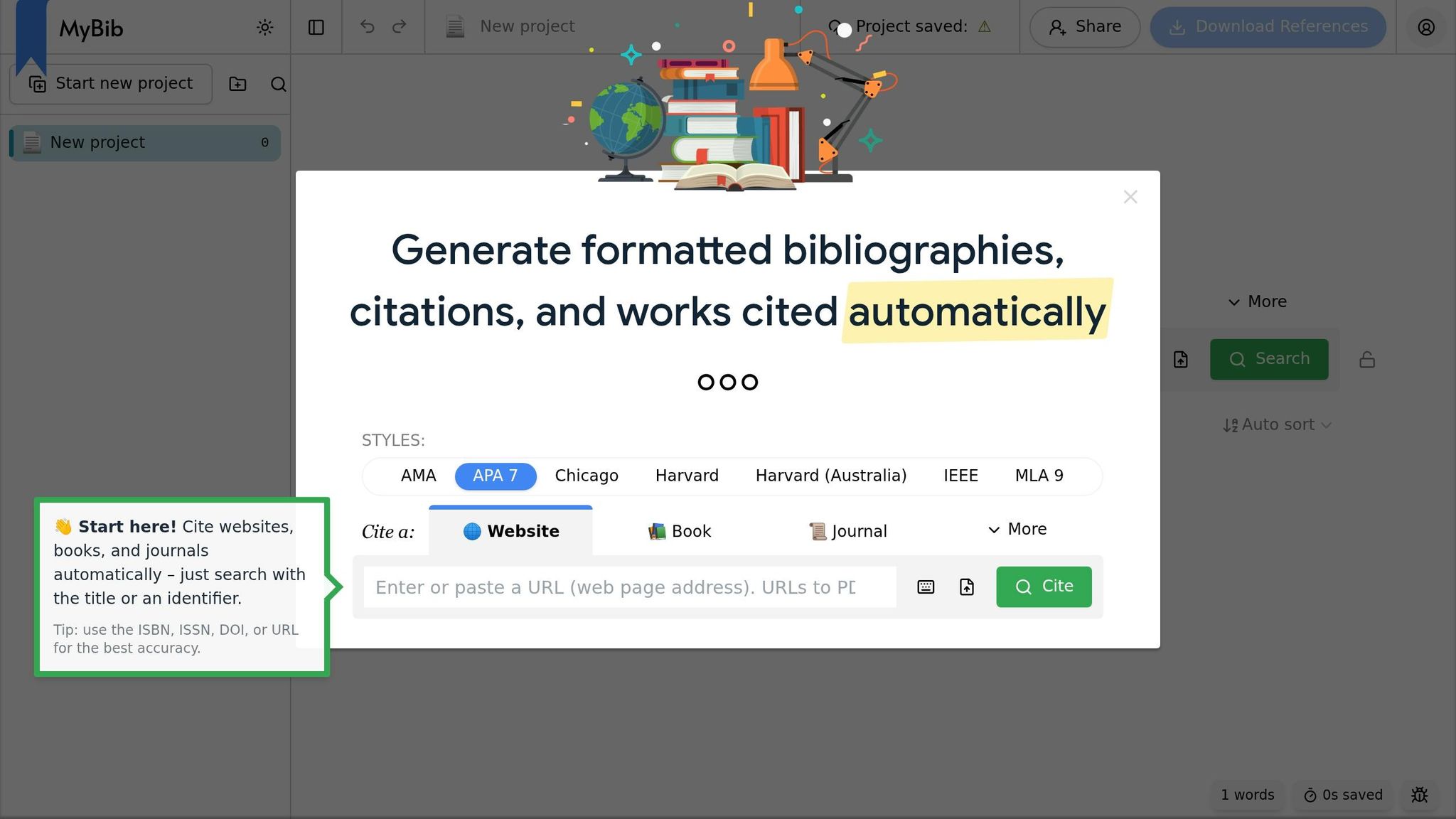
MyBib is a free citation tool that gives you unlimited citations and project storage. If you just need a citation fast, you can use it without an account. If you want to save projects, you can sign up for free. It supports APA 6/7, MLA 7/8/9, Chicago 17, Harvard, and 33 source types, from books to videos. The big issue isn't access. It's how clean those imported citations look once they land.
In testing, cleanup is where MyBib starts to show its limits. Its accuracy is solid for common sources, but its metadata cleanup isn't as deep as the top tools. The Autocite feature can pull metadata from URLs, DOIs, ISBNs, and title searches, and you can sort citations into multiple projects and add notes. That said, it sometimes leaves journal titles in ALL CAPS and may carry over older APA 6 details, like publisher locations in APA 7 book citations.
A few quick checks help a lot:
- Review capitalization in journal and article titles
- Remove publisher locations from APA 7 book entries
- Manually verify uncommon source types
- Export to Word to keep hanging indents and double-spacing
If you spend a lot of time in Word or Docs, MyBib gets more appealing. It works with Microsoft Word and Google Docs, and its Chrome extension lets you cite webpages in one click. Its 8.4/10 accuracy rating is strong for a free tool, even if it still falls short of Scribbr and ZoteroBib when it comes to metadata cleanup depth.
5. Cite This For Me
Cite This For Me is a basic citation tool with broad style support, but the free version feels tighter. It supports APA, MLA, Chicago, and Harvard, along with about 30 source types.
Accuracy is a mixed bag. Its DOI and ISBN autofill is only moderately accurate, so it doesn't hold up as well as Scribbr or ZoteroBib. You’ll also want to double-check capitalization, punctuation, and indentation, since formatting issues can slip through.
Those limits become more of a headache when your bibliography starts to grow. The free plan caps each bibliography at 15 references and sticks you with basic copy-and-paste. The premium plan removes that cap and adds Word export for $9.95/month.
The free version is also heavy on ads and frequent upgrade prompts. And if you need BibTeX or RIS export, those options are often locked behind the paid plan.
6. BibGuru
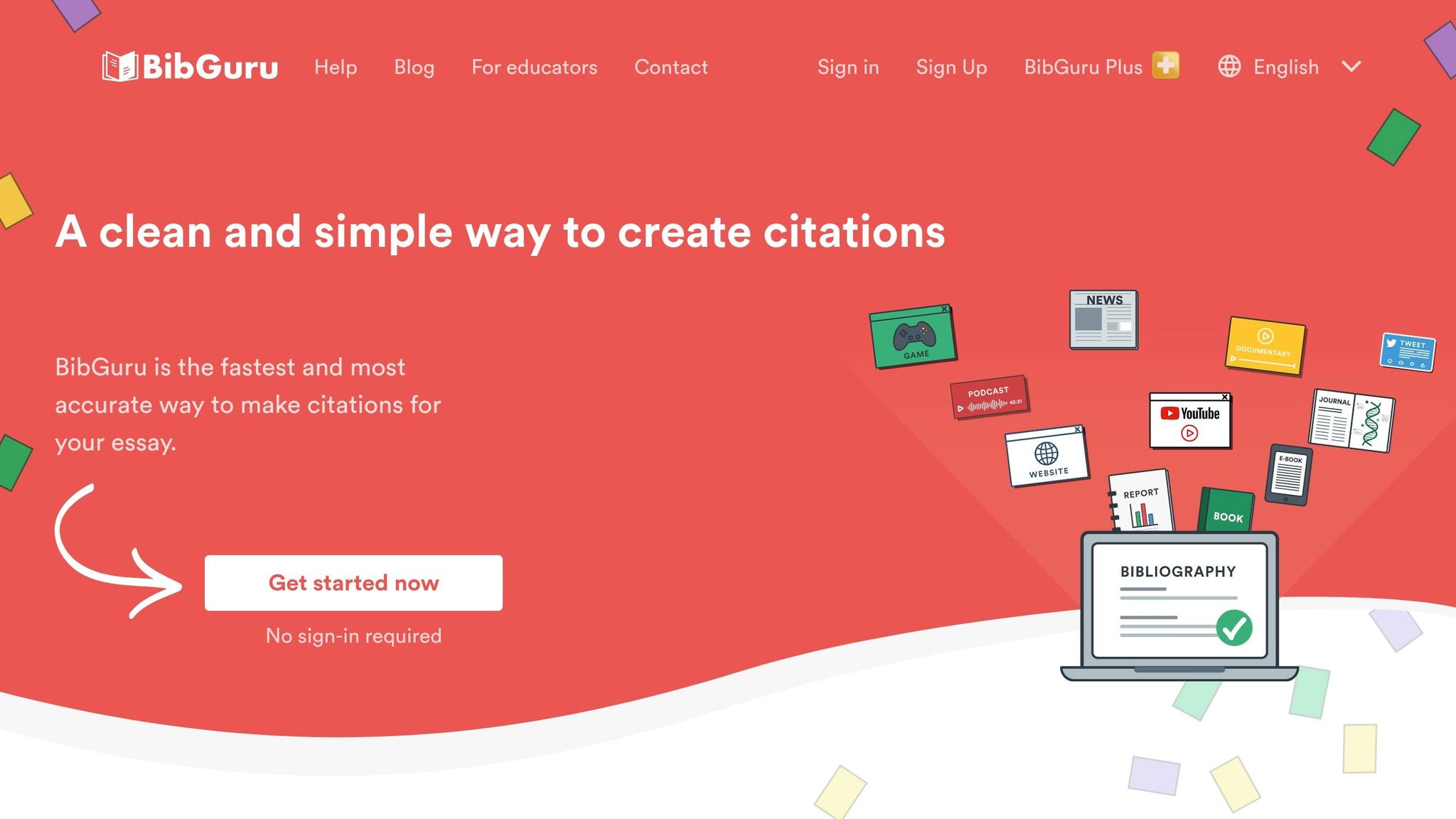
BibGuru’s free version is ad-free, doesn’t ask you to make an account, and lets you export to Word, BibTeX, and RIS. That makes it easy to jump in and start building citations without extra friction. The big question, though, is whether that speed comes at the cost of accuracy.
For standard sources, it holds up well. Independent testing gave it a 92/100 for citation accuracy, and its autofill works well for common source types. DOI and ISBN lookups are dependable for books and journal articles. It also supports 70+ source types and APA, MLA, Chicago, Harvard, plus thousands of other styles. Even so, it’s smart to double-check capitalization, missing issue numbers, and style-specific details against the official manual.
If most of your research happens online, the browser extensions help a lot. BibGuru’s Chrome and Edge extensions let you pull metadata from webpages and online articles with one click, which keeps citation gathering fast when you’re working through digital sources.
The bigger downside shows up in project workflow, not the citation output itself. There’s no Google Docs plugin, so you still need to copy and paste citations by hand. Cross-device sync and folder organization are locked behind BibGuru Plus, which costs $4.99/month and comes with a 3-day trial.
7. EasyBib
EasyBib is fast to use, but the free version is much more limited than the other tools covered here. The big catch is the paywall: free access is MLA only. If you need APA, Chicago, or 50+ other styles, plus most in-text citations and exports, you’ll need the $9.95/month premium plan. The free tier is also packed with ads, and you may have to click through multiple screens or watch a video ad just to finish one citation.
On accuracy, EasyBib scores 8.0/10 across 61 source types. That’s decent, but there’s a clear weak spot: metadata cleanup. DOI and ISBN imports often don’t clean up the data well, and journal titles can show up in ALL CAPS. So it’s smart to double-check titles, volume, and issue details by hand.
Use EasyBib only for basic MLA citations if you don’t mind ads and a bit of manual cleanup.
Where Scribbr Gets It Right and Where You Still Need to Check
Scribbr does its best work with DOI- and ISBN-based sources. For books, journal articles, and websites, it reaches 94% accuracy. That’s a strong result, especially if you’re pulling in clean metadata. On top of that, Scribbr adds a cleanup layer over CSL, which helps fix formatting issues that often show up in raw source data.
That said, it’s not a set-it-and-forget-it tool. You still need to review more complicated or less standard source types by hand. Accuracy drops to 78% for multi-author works, translations, and archival materials. In plain English: the messier the source, the more likely you’ll need to step in.
Media sources are another spot where things can get shaky. YouTube videos and podcasts often need manual entry because the available metadata is thin. If the source doesn’t give the tool much to work with, the output can only go so far.
The table below shows where Scribbr is dependable and where manual checks still matter.
| Source Type | Scribbr Reliability | What to Verify Manually |
|---|---|---|
| Journal Article (DOI) | High (94%) | Check title capitalization |
| Book (ISBN) | High (94%) | Verify edition notation |
| Website (URL) | High (94%) | Verify publication dates |
| Preprint | High | Confirm "preprint" label |
| Multi-author / Archival | Moderate (78%) | Check author order; "et al." threshold for 20+ authors |
| YouTube / Podcast / Social Media | Low | Expect manual entry for most fields |
Those same patterns carry into the pros and cons below.
Pros and Cons of Each Tool
The table below sums up the day-to-day trade-offs from the tool-by-tool review.
| Tool | Pros | Cons | Best Use Case | Pricing (USD) |
|---|---|---|---|---|
| Scribbr | Strong for standard-source citations; clean interface; built-in style guidance | No persistent project storage without an account; proofreading and plagiarism checks cost extra | Double-checking APA, MLA, or Chicago citations | Free (generator) |
| Sourcely | AI-powered source discovery; paste a draft to find relevant sources; exports references in multiple formats | Paid plan required for full draft-length searches | Students and researchers who want source discovery and citation generation in one workflow | Free tier; $17/month or $167/year |
| ZoteroBib | 10,000+ citation styles; no ads; no account required; free exports | Session-based storage only | Quick one-off bibliographies, especially for niche citation styles | $0 |
| MyBib | Free; saves projects across sessions; Chrome extension | Metadata can come in raw and need manual cleanup | Students who need to build and revisit a bibliography over time | $0 |
| Cite This For Me | Supports 7,000+ styles; generates in-text citations | Heavy on ads; free tier is limited; exports are paywalled | Quick one-off citations for undergraduates | Free / about $9.95/month |
| BibGuru | Ad-free; 70+ source types; free Word and BibTeX exports | Less manual-editing flexibility than Scribbr | Students who want speed without ads or upsells | $0 |
| EasyBib | Step-by-step guidance | Heavy on ads on the free tier; APA and Chicago require a subscription | K–12 and early undergraduates learning citation basics | Free (MLA only) / about $9.95/month |
If you're watching your budget, MyBib and ZoteroBib handle the basics at no cost. BibGuru feels like the cleanest fast pick if you want to get in, make the citation, and move on.
On the other hand, Cite This For Me and EasyBib put more limits behind paid plans. So the choice is pretty simple: pick the tool that fits how you work, then give the citation a final manual check.
Conclusion
After comparing Scribbr with the options above, the takeaway is pretty simple: Scribbr works well for standard APA, MLA, and Chicago citations, but more complex sources still call for a manual check.
Before you submit anything, review the basics yourself. Pay close attention to capitalization, author names, and dates.
Best fit by user:
- Undergraduates writing in APA, MLA, or Chicago → Scribbr
- STEM, medical, or engineering researchers → ZoteroBib
- Students building a bibliography over multiple sessions → MyBib
- Users who want a clean, ad-free workflow → BibGuru
Scribbr is a strong pick for standard academic citations. Export your list early, then give each citation one last review before it goes into your paper.
FAQs
Can I trust Scribbr for in-text citations too?
Yes. Scribbr is generally reliable for in-text citations because it follows official style guides and uses a rule-based system.
That said, it’s smart to double-check each citation against your assignment instructions and the official style manual. Since you have to copy and paste citations by hand, give everything one final proofread to make sure the format and placement line up with your institution’s standards.
Which sources need the most manual checking in Scribbr?
Scribbr is usually reliable for standard sources like journal articles and books. Still, you should check every citation against the style guide you’re required to use.
The closest review tends to be for complex or less common sources. That includes government documents, translated works, edited volumes, archival sources, datasets, legal works, and court cases.
It’s also smart to double-check the small stuff, because that’s often where errors slip in:
- Author formatting
- Publication years
- Page numbers
Do I need an account to save citations in Scribbr?
No. You don’t need an account for basic citation generation, including creating and copying single citations.
However, you do need a Scribbr account if you want to save bibliography projects for later sessions or use secure backup.