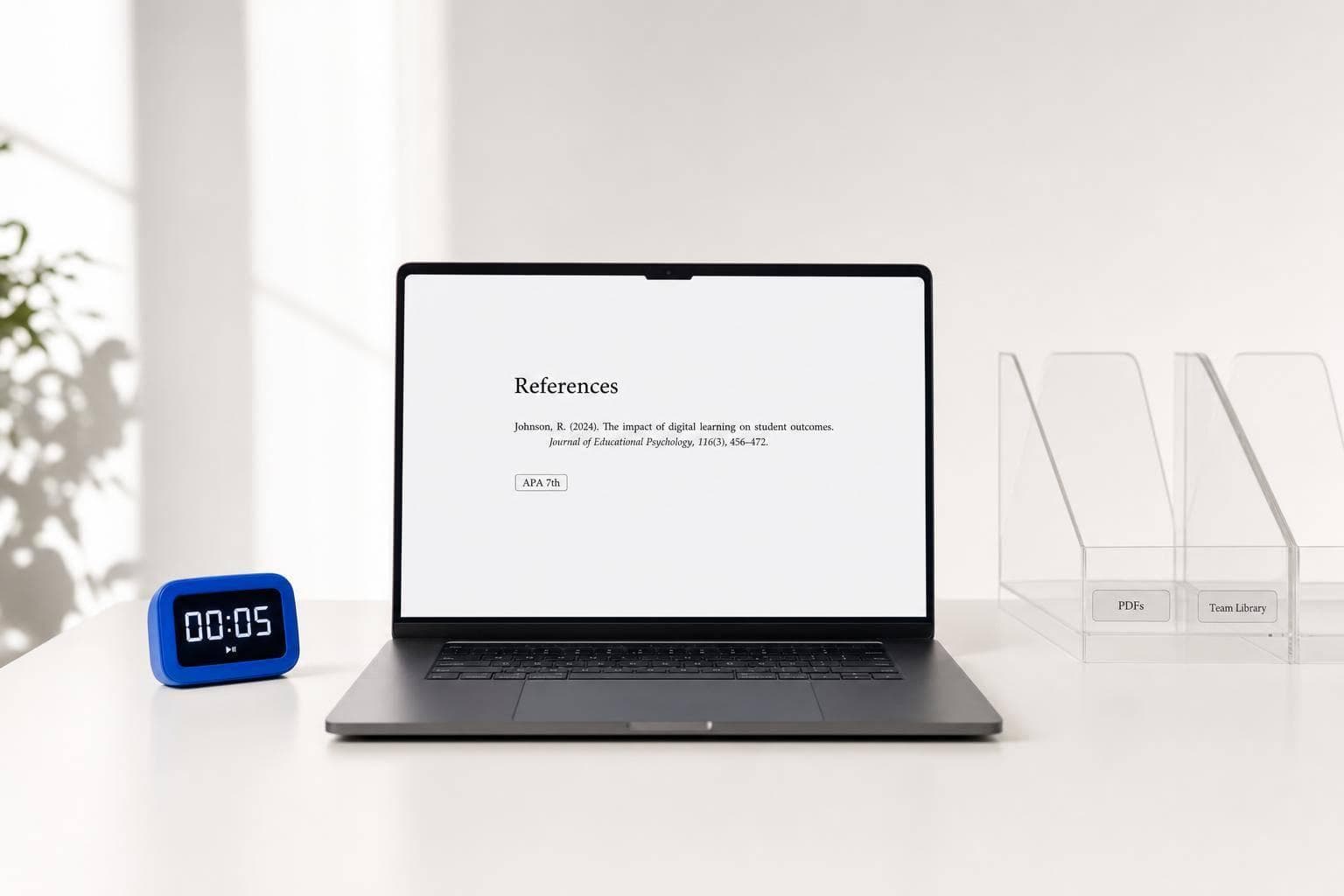
MyBib Review 2026: Features, Limits, and the Best Alternatives
If you just need citations fast, I’d pick MyBib. If you need to find sources or run a big research library, I’d look elsewhere.
Here’s the short version: MyBib is a free citation generator with 9,000+ styles, offline use, and a simple browser workflow. It works well for short papers, but it starts to fall short when you need PDF storage, group work, finding relevant sources, or in-text citations inside Word or Google Docs.
Before I go further, here’s the whole article in one scan:
- MyBib: best for fast bibliography formatting
- Sourcely: best for finding sources from your draft
- Zotero: best for long research projects and large libraries
- Mendeley: best for reading and marking up PDFs
- EndNote: best for heavy Word-based academic work
- BibGuru: best for students who want a built-in source database
A few numbers stand out:
- MyBib supports 9,000+ citation styles
- Zotero supports 10,000+ styles
- MyBib Plus costs $2/month or $24/year
- EndNote costs $274/year
- Unverified AI citations had error rates above 60% in one 2025 study
If I had to sum it up in one line, it would be this: MyBib is great for short assignments, but not for deep research workflows.
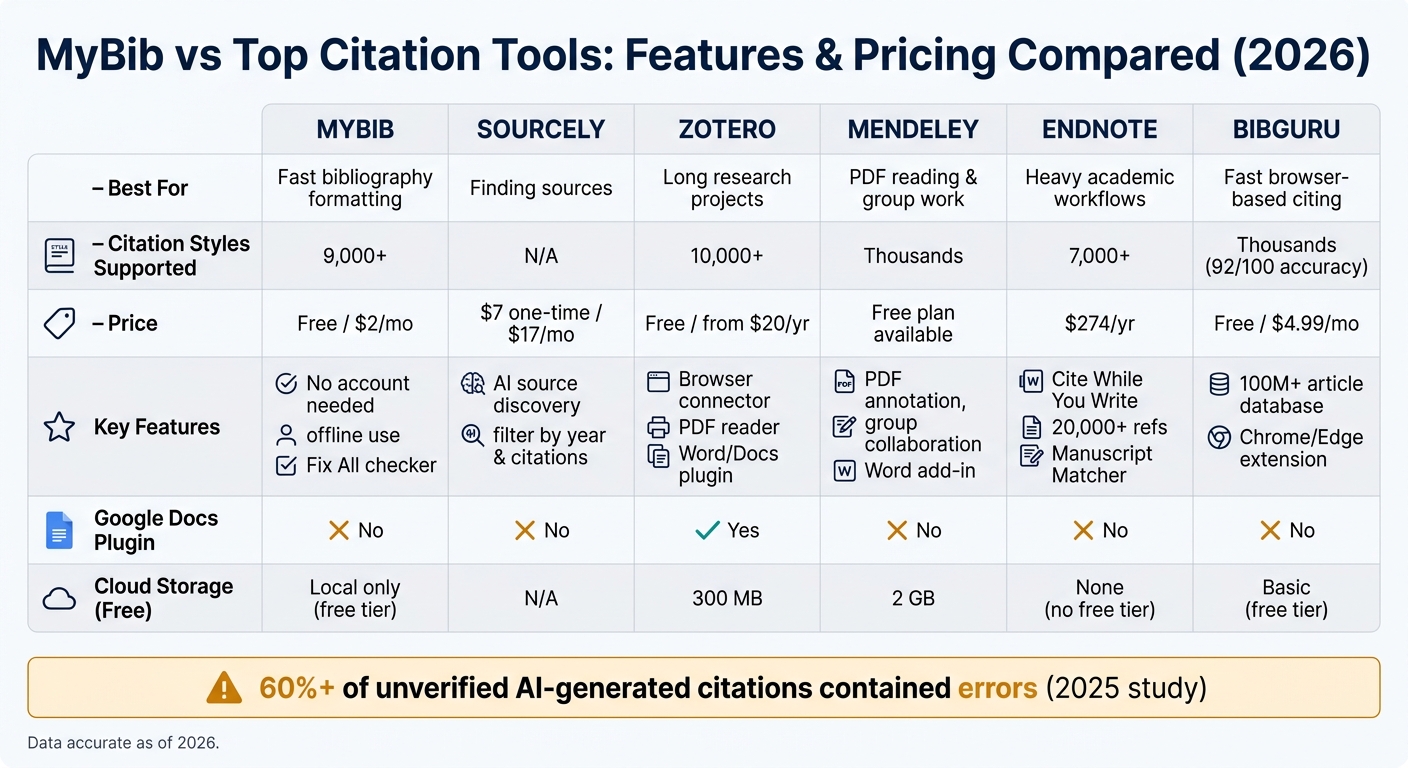
MyBib vs Top Citation Tools: Features & Pricing Compared (2026)
How to Use MyBib for Citation, Referencing, and Literature Organization
sbb-itb-f7d34da
Quick Comparison
| Tool | Best For | Main Strength | Main Limit | Price |
|---|---|---|---|---|
| MyBib | One-off papers | Free, simple, 9,000+ styles | No full research library workflow | Free; Plus at $2/month or $24/year |
| Sourcely | Finding sources | Matches papers to your text | Not built for library management | $7 one-time, $17/month, $167/year, or $347 lifetime |
| Zotero | Long research projects | Libraries, PDFs, Word/Docs citing | Takes more time to learn | Free; cloud upgrades from $20/year |
| Mendeley | PDF reading and group work | Annotation and sync | Less ideal for quick citation-only tasks | Free plan available |
| EndNote | Heavy academic workflows | Large libraries and Word support | High price, older interface | $274/year |
| BibGuru | Fast browser-based citing | Large built-in database | No Google Docs plugin | Free; Plus at $4.99/month |
I’d use this guide in a simple way: choose MyBib for fast citations, Sourcely for source hunting, and Zotero/Mendeley/EndNote when your paper turns into a long project.
1. MyBib
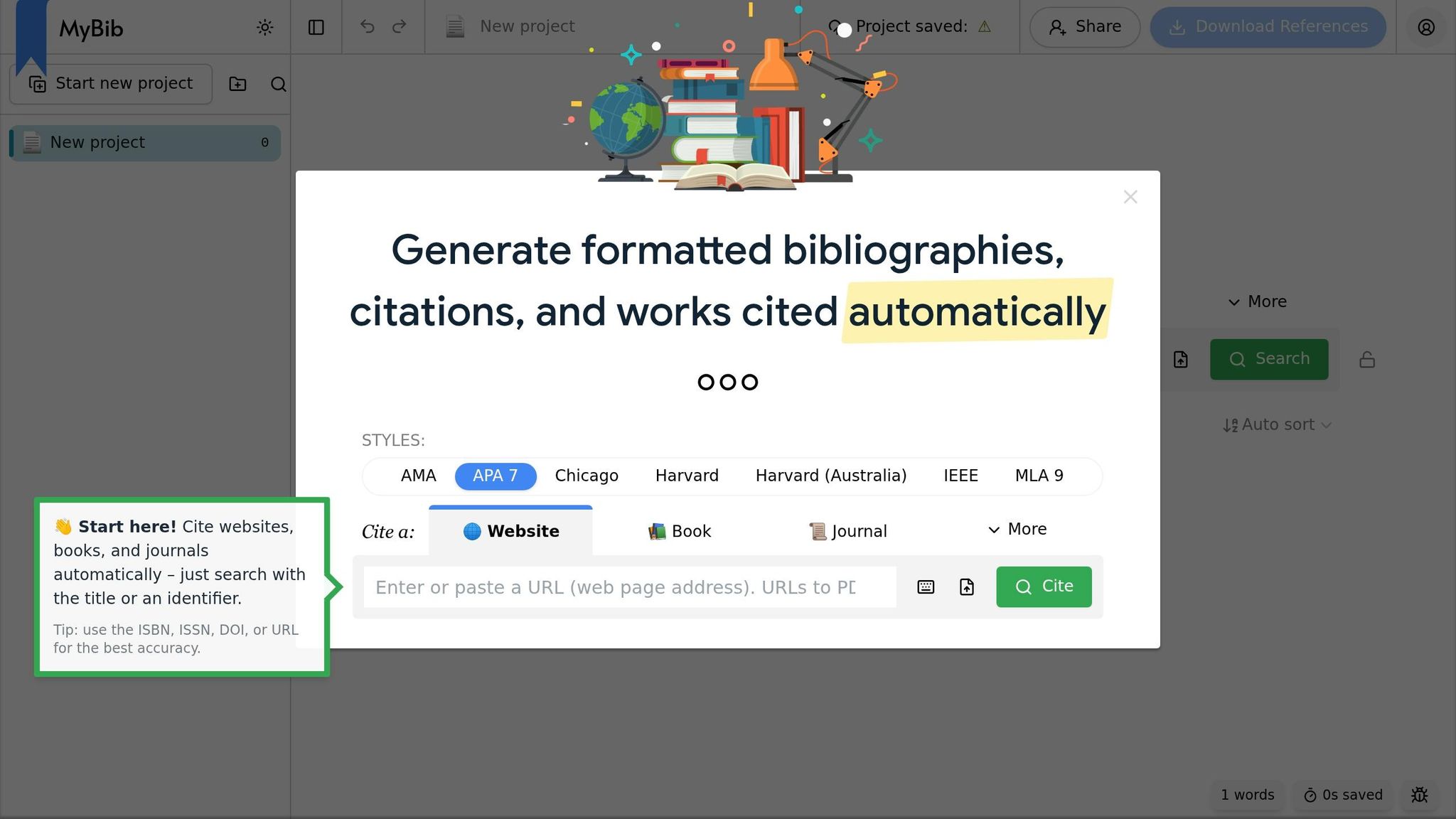
MyBib is built for speed. Paste a URL, DOI, ISBN, or title into the Autocite field, and it creates a citation in seconds. It supports 9,000+ styles, including APA 7, MLA 9, Chicago, and Harvard. You don’t need an account, and the site has no ads.
Version 2 adds a few handy upgrades: nested folders, multi-delete, and Fix All checks for common formatting issues like wrong title case or duplicate citations. When it’s time to turn work in, you can export straight to Microsoft Word or Google Docs, or save your file as BibTeX for LaTeX use. That said, those gains don’t turn MyBib into a full research workspace.
On the free plan, your data is stored locally. So if you clear your browser data, your work can disappear too. MyBib Plus costs $2/month when billed annually, or $24/year, and adds cloud storage, cross-device sync, and backups. Schools that use Clever login can also give students MyBib Plus accounts at no cost.
MyBib starts to show limits once your project gets bigger than a short paper. There’s no built-in source discovery, no shared group library, no PDF management, and no word processor plugin for live in-document citations. Accuracy is above 95% for standard books and journal articles, but it falls for book chapters, datasets, and multimedia sources, which often need manual fixes. So if you use MyBib, you may still need other tools for finding sources and managing a research library.
2. Sourcely
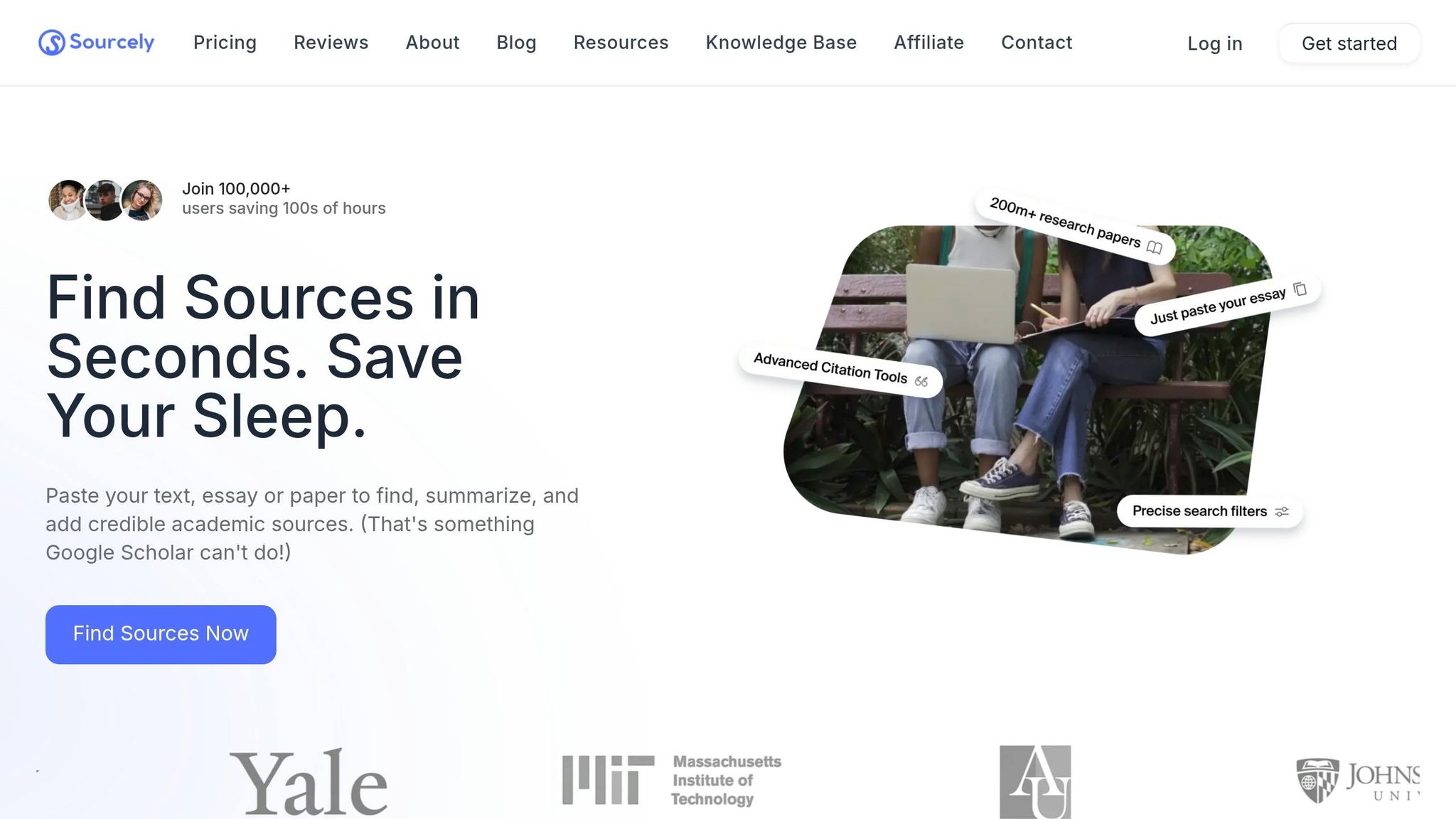
Sourcely helps with the research part before citation formatting starts. Its main job is to find scholarly sources that match the claims in your draft or topic.
Paste in your text, and Sourcely returns papers linked to the points that need support. You can filter results by year and citation count, then check summaries, open PDFs when they're available, and export citations.
That focus matters. Sourcely is built for source discovery, not for managing a big reference library. So it works best when you need to find sources, not store and organize them for the long haul.
Pricing includes:
- $7 one-time for up to 2,000 characters
- $17/month for regular coursework
- $167/year for longer-term use
- $347 lifetime for long-term use
Still, don't treat the output as plug-and-play. Check every citation and PDF before you submit anything. A 2025 study found that more than 60% of unverified AI-generated citations contained errors.
3. Zotero
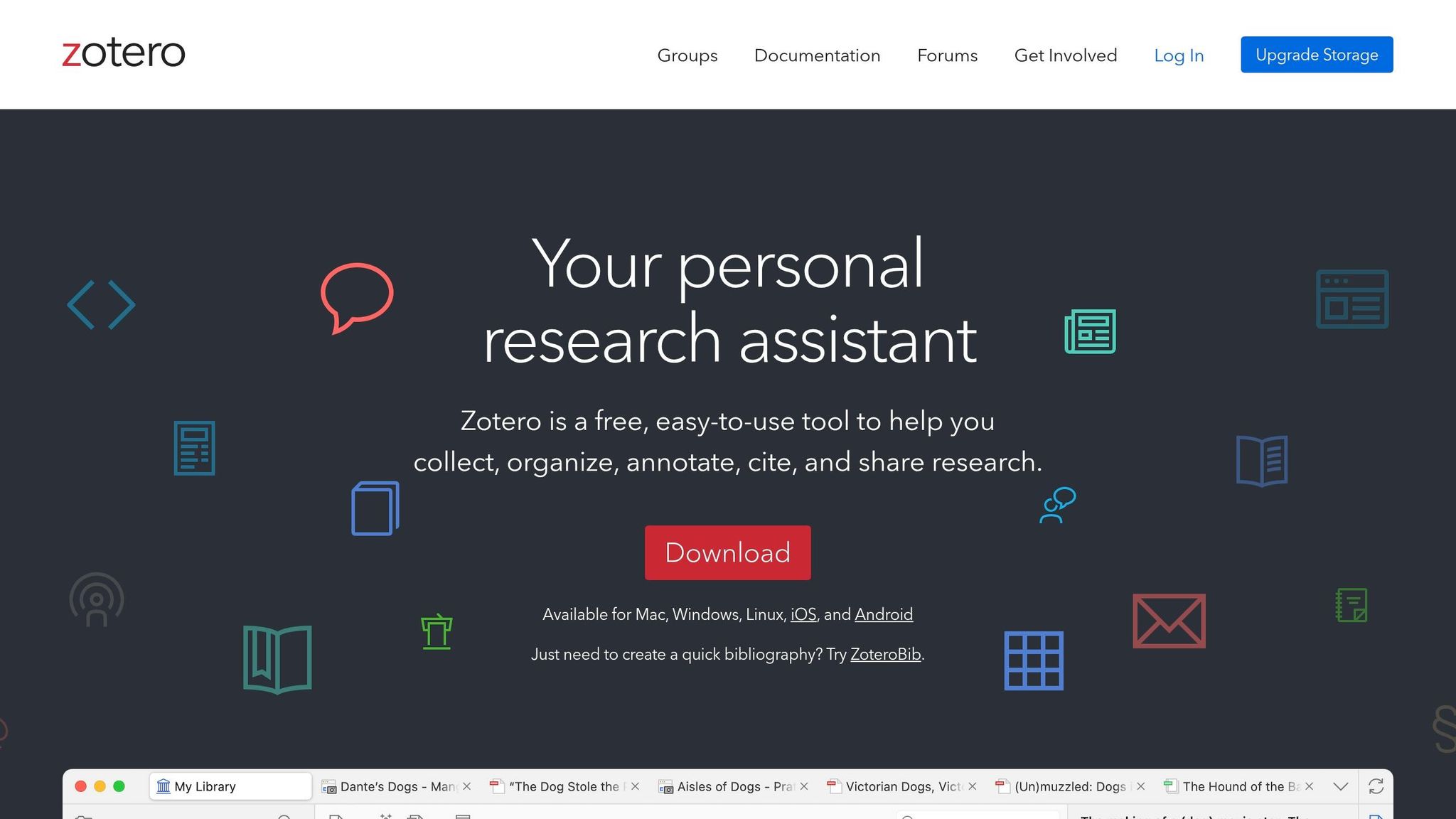
Zotero is a free, open-source reference manager made for researchers who need to keep big source libraries under control for months or even years. It fits long projects best - think PhD dissertations, systematic reviews, or any job where you're handling hundreds of sources at the same time.
Once you save sources, Zotero moves beyond simple collection and helps you sort everything out. Its browser connector can pull in metadata and full-text PDFs from JSTOR, arXiv, and Google Scholar with one click. From there, you can keep sources arranged in collections, tags, and saved searches. It also includes a built-in PDF reader with highlighting and annotations that sync across devices.
When it's time to write, Zotero's Cite While You Write plugins for Word, LibreOffice, and Google Docs let you add citations as you draft. It supports more than 10,000 citation styles through Citation Style Language (CSL), including APA 7th, MLA 9th, Chicago, and many others.
There are a few tradeoffs. Zotero doesn't include built-in literature search or AI help. It also takes more time to learn than simpler browser-based tools, and its mobile app is more limited. The free plan comes with unlimited local storage and 300 MB of cloud storage, while paid cloud upgrades start at $20/year. So if you need full research management, Zotero is a strong fit. If you just want fast, citation-only help, it can feel like more tool than you need.
4. Mendeley
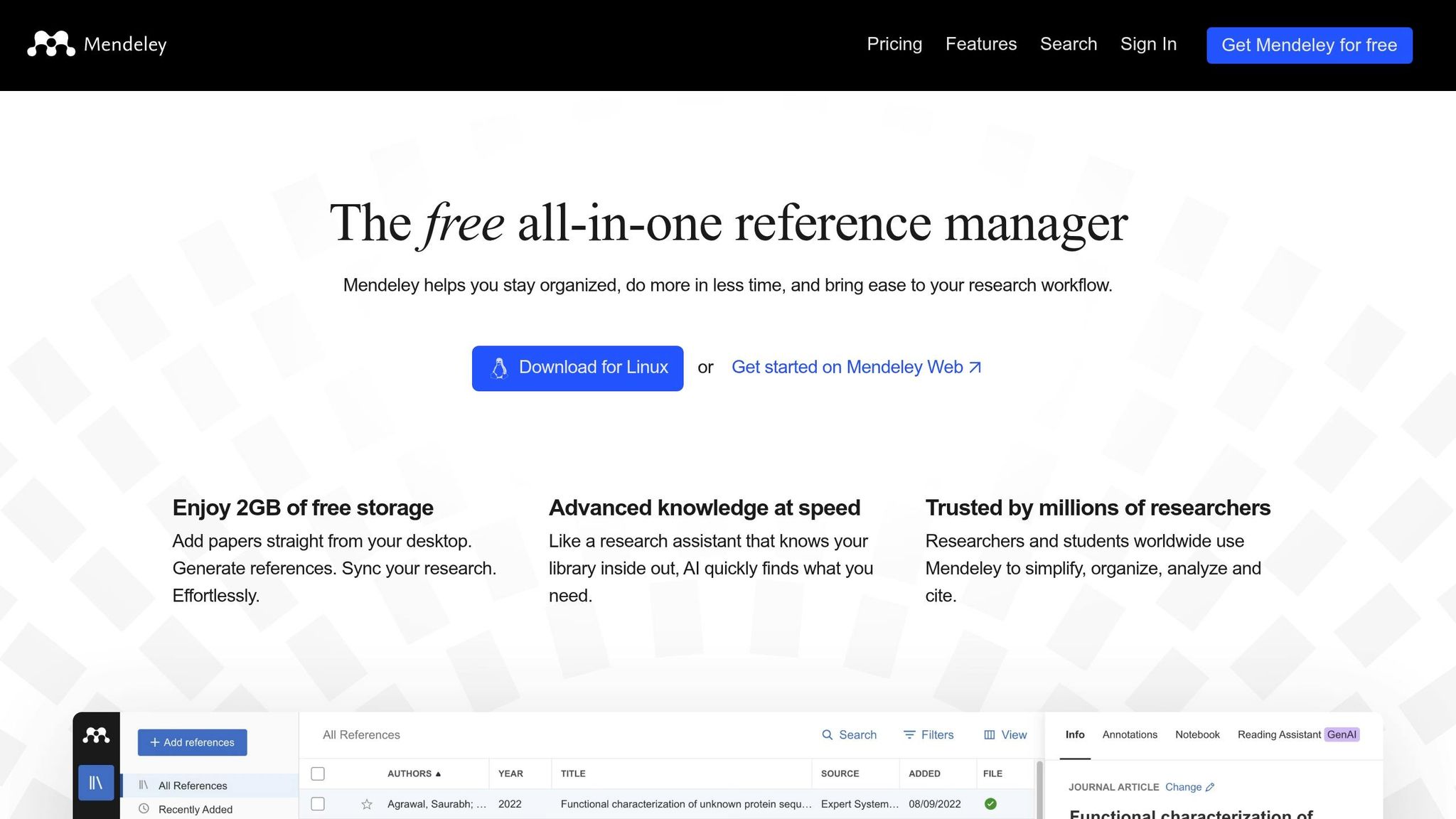
Mendeley is for readers who need more than fast citation formatting. It’s a reference manager built for long-term research and collaboration. The focus is on reading and managing PDFs, not just producing citations.
Its PDF-first workflow lets you read, highlight, annotate, and sort PDFs in one place. It also syncs across desktop and mobile devices, which makes it easier to pick up where you left off.
Collaboration is a big part of the product. Mendeley lets users create groups to share papers and coauthor bibliographies. Its social features can also help users find new research in a field.
For drafting, Mendeley Cite, the Microsoft Word add-in, lets you insert citations and generate bibliographies without opening the desktop app.
The tradeoff is that it takes more time to learn. Mendeley makes sense for graduate students, academics, and research groups that need to manage references over time. For a single assignment, it’s usually more than most students need. It’s a better fit for people building a research library over months or years, not someone who just wants a quick citation.
5. EndNote
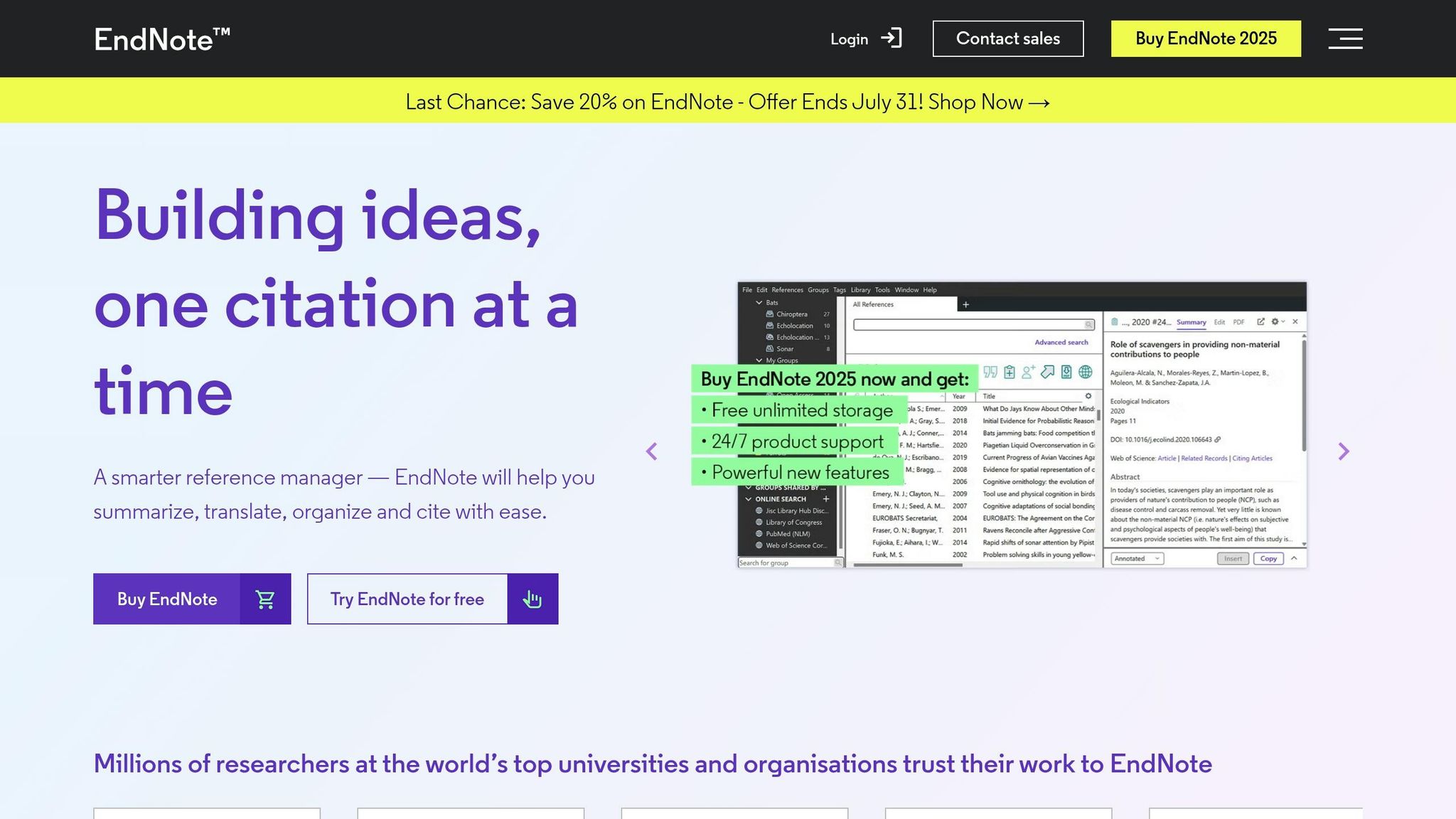
EndNote is built for researchers who manage large reference libraries over long projects. Think journal submissions, dissertation work, and other heavy research workflows. If you need more than basic citation formatting, EndNote goes well beyond fast bibliography creation and into full research management.
Its Cite While You Write plugin for Microsoft Word lets you add and format citations as you work. EndNote can handle libraries with tens of thousands of references, and its advanced de-duplication tools help keep big bibliographies clean and accurate. For more specialized setups, it supports custom reference types and fields. It also includes Manuscript Matcher, which helps researchers find journals that may fit their work. EndNote supports more than 7,000 citation styles, plus shared libraries with access controls.
That said, all that power comes at a higher price and takes more effort to set up.
EndNote costs $274 per year for an individual subscription. It offers a 30-day trial, but there’s no free tier. The interface feels older, and the learning curve can slow down new users during setup. It also doesn’t offer a Google Docs plugin. Moving your work out later can be tough because of its proprietary format.
Before you pay out of pocket, check with your university library. Many schools give students and faculty free access through site licenses.
EndNote makes the most sense for large, Word-based research workflows. The next tool is a better fit for lighter citation tasks.
6. BibGuru
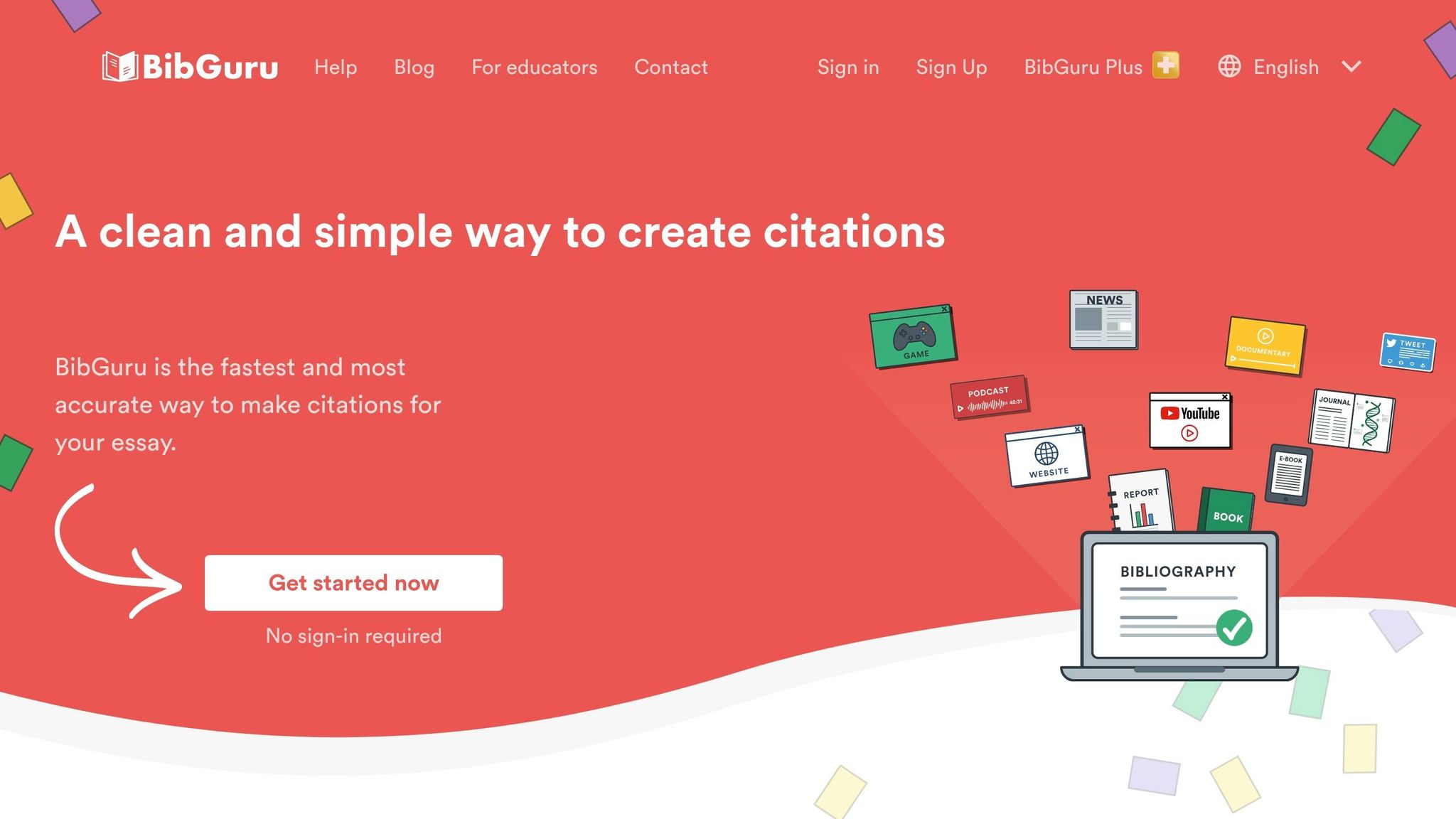
BibGuru sits in the middle ground between a quick citation generator and a full reference manager. Its database includes 100 million journal articles and 35 million books, which cuts down on manual entry. In 2026 testing, it scored 92/100 for citation accuracy. That strong browser-based workflow is the main reason people use it.
The Chrome and Edge extensions let you generate citations while you browse. BibGuru supports major styles like APA, MLA, Chicago, Harvard, AMA, and CSE, plus thousands of others. That said, its style library is smaller than what the biggest citation tools offer, so less common styles may still need a manual check.
One catch: BibGuru doesn't have a Google Docs plugin. So if you're writing in Google Docs, you'll need to copy citations over by hand. For longer papers, that can get old fast.
The free plan covers basic citation generation and source access. BibGuru Plus costs $4.99/month and adds:
- Project folders
- Cross-device sync
- An ad-free experience
- A 3-day free trial
It works well for undergrads who want fast source search and clean citation output. But for longer papers, the manual Google Docs workflow makes it less convenient. Those tradeoffs become clearer in the pros-and-cons breakdown below.
Pros and Cons of Each Tool
The table below boils down the main tradeoffs down by workflow.
| Tool | Main Pro | Main Con | Best Use Case |
|---|---|---|---|
| MyBib | Ad-free, 9,000+ styles, no account required | No Word/Docs plugin, cloud storage requires paid Plus tier | Quick one-off papers |
| Sourcely | AI-powered source discovery, paste-your-essay workflow | Focused on source finding, not full reference management | Students who need to find relevant sources fast |
| Zotero | 10,000+ styles, works with Word and Google Docs | 300 MB free storage limit, steeper learning curve | Graduate students and long-term research projects |
| Mendeley | PDF annotation, 2 GB free cloud storage, group collaboration | Desktop workflow is less current, no Google Docs plugin | Researchers who already use Elsevier tools |
| EndNote | Handles 20,000+ references, deep Web of Science integration, Cite While You Write | $274/year, dated interface, no Google Docs plugin | Professional researchers and systematic reviews |
| BibGuru | 100M+ article database, fast browser extension, 92/100 in independent testing | Fewer styles than MyBib or Zotero, no Google Docs plugin | Students who want a built-in database without manual entry |
This snapshot makes the tradeoffs pretty clear. MyBib is the easiest fit for quick papers. Sourcely helps most when the hard part isn’t formatting citations, but finding sources in the first place. Using AI-generated sources can significantly speed up this initial phase. And if you’re building a research system you’ll use for months or years, tools like Zotero, Mendeley, or EndNote make more sense.
Put simply, the main choice comes down to this: fast citation help, source discovery, or full reference management.
Conclusion
After stacking its workflow against full reference managers, the pattern is pretty clear: MyBib is the best free citation generator for fast bibliography formatting in 2026.
That edge comes with a limit. Once a project needs a long-term library, team workflows, or in-document citation tools, MyBib starts to run out of road.
It does one job well: citation formatting. But it doesn't handle finding credible sources, project organization, or collaboration.
Use MyBib for quick citations. Use Zotero when your research needs a library that sticks around.
FAQs
Is MyBib enough for college papers?
MyBib is often enough for many college papers, especially undergraduate assignments or quick bibliographies. It’s simple to use and supports more than 9,000 citation styles, including APA, MLA, and Chicago.
That said, it relies on web scraping. And that can miss small details, especially for obscure or hard-to-find sources. MyBib is a citation generator, not a full research manager, so it’s smart to check each citation against your official style guide before you turn anything in.
When should I upgrade from MyBib?
Consider upgrading when your research needs go past a simple citation generator. MyBib is fine for quick assignments and many undergraduate papers, but its web-scraped data can sometimes lead to metadata errors.
Moving to a more advanced tool makes sense if you're writing a thesis, doing professional academic work, managing more than 50 sources, or need features like PDF storage, annotation, systematic review support, or integration with dedicated writing environments.
How accurate are MyBib citations?
MyBib citations are usually dependable, especially for journal articles and books when you use identifiers like DOIs or ISBNs. It builds citations from pulled metadata and formats them across more than 7,000 styles.
That said, the output is only as good as the metadata it finds. Web pages and other non-standard sources are more likely to create formatting mistakes. So every citation should be checked manually for things like capitalization, DOI format, and missing or incomplete metadata.